

Download Adobe Flash Player – Flash video, Flash games, multimedia content, web browser plugin, Android app, mobile Flash player, rich media, Flash content, web experience
Overview
Adobe Flash Player is a desktop and mobile software application designed to enable users to view and interact with rich multimedia content on the web. It functions as a browser plugin, allowing playback of Flash videos, animations, games, and interactive applications directly within supported web browsers. The software was developed by Adobe Systems Inc. and has historically played a key role in delivering dynamic web experiences, especially on platforms where native support for such content was limited.
Target users include mobile device owners, particularly those using Android devices, who wish to access Flash-based content that was prevalent across the web during the early 2010s. The software enables users to enjoy interactive websites, online games, and streaming video content that rely on Adobe’s Flash technology. While Flash has been deprecated across most modern platforms, Adobe Flash Player for Android remains functional on certain supported devices.
Real-world usage scenarios include accessing legacy educational websites, playing browser-based games, watching Flash-driven video content, and navigating interactive web applications. Despite the broader industry shift away from Flash, the software continues to serve niche users who still encounter Flash content on older or specialized websites.
Key Features & Capabilities
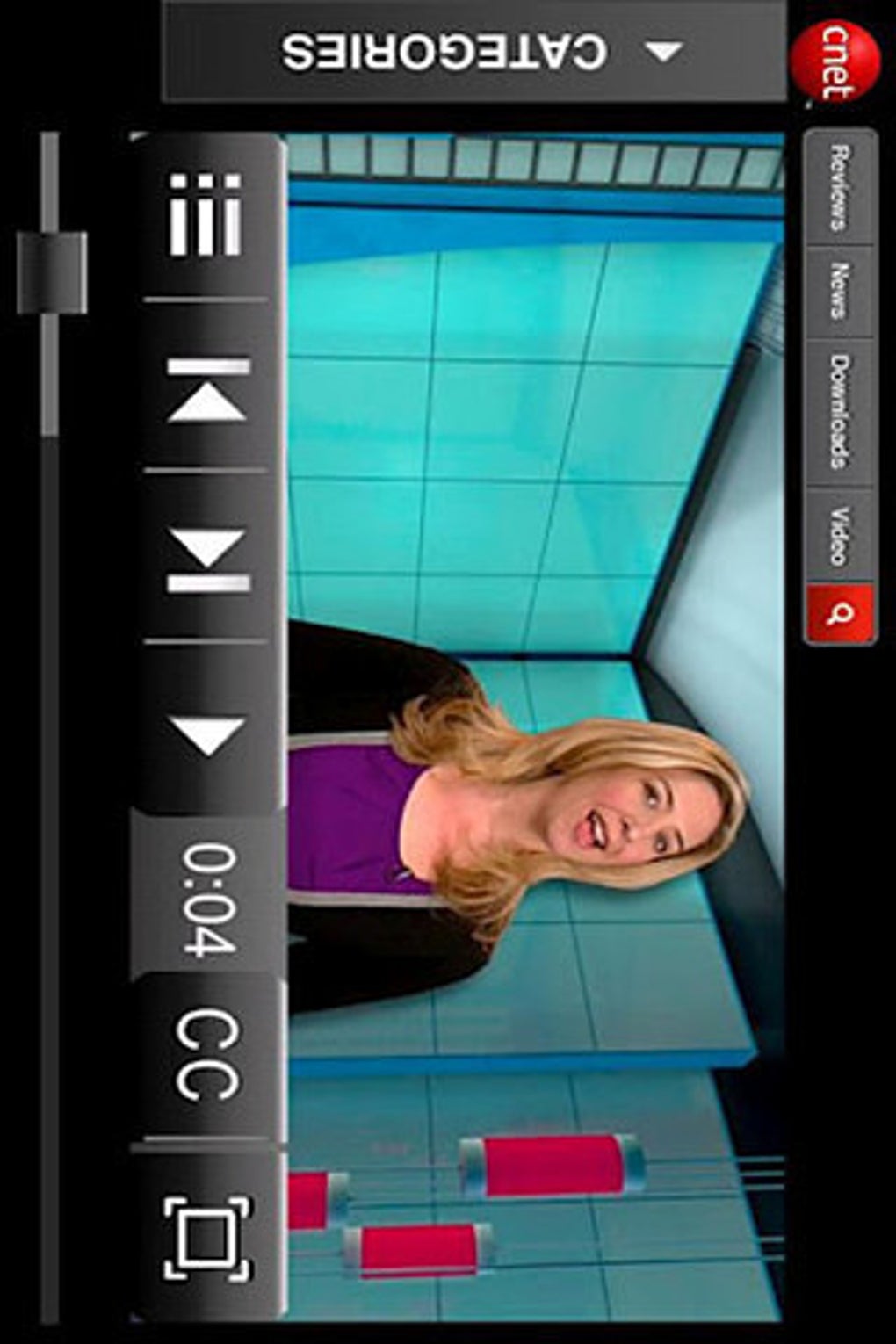
- Flash Video Playback – Enables smooth playback of video content encoded in the Flash format directly within the web browser.
- Interactive Game Support – Allows users to play browser-based games that rely on Flash technology, including classic titles and casual games.
- Animation and Web Application Rendering – Renders animated content and interactive web applications developed using Adobe Flash tools.
- Browser Integration – Functions as a plugin that integrates with supported web browsers to deliver multimedia content without requiring standalone applications.
- Mobile Compatibility – Designed specifically for Android devices, offering a mobile Flash experience on smartphones and tablets.
These capabilities allow users to access a broader range of web content that depends on Flash technology. For example, users can view educational animations, participate in interactive quizzes, or play games on websites that have not been updated to modern web standards. The software serves as a bridge between older web content and modern mobile browsing environments.
User Interface, Workflow & Performance
The user interface of Adobe Flash Player is minimal and largely embedded within the web browser environment. It does not feature a standalone application interface but operates as a background plugin. Users interact with Flash content through standard web navigation, with no additional controls or settings exposed within the plugin itself.
Workflow efficiency depends on the browser’s integration with the plugin and the device’s processing capabilities. The plugin automatically activates when a Flash-based page is loaded, streamlining the user experience. However, performance may vary based on the complexity of the content and the device’s hardware.
The developer did not specify resource usage details. Performance observations are based on general software behavior patterns. Stability is limited to supported devices, and users on newer Android versions (4.0.1 and higher) may experience issues due to discontinued support. The plugin does not require manual updates, as it relies on the device’s system update cycle.
Compatibility & System Requirements
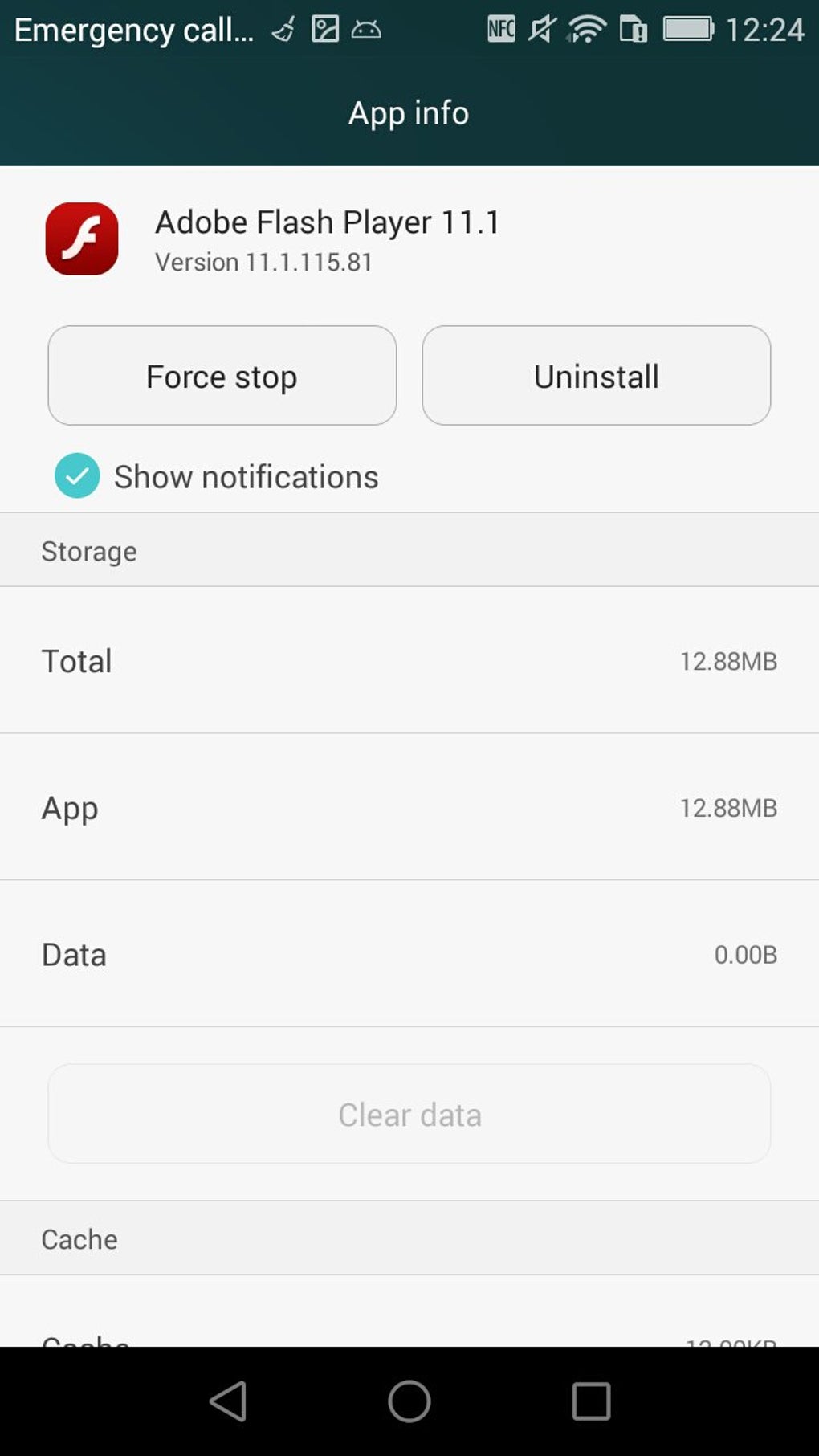
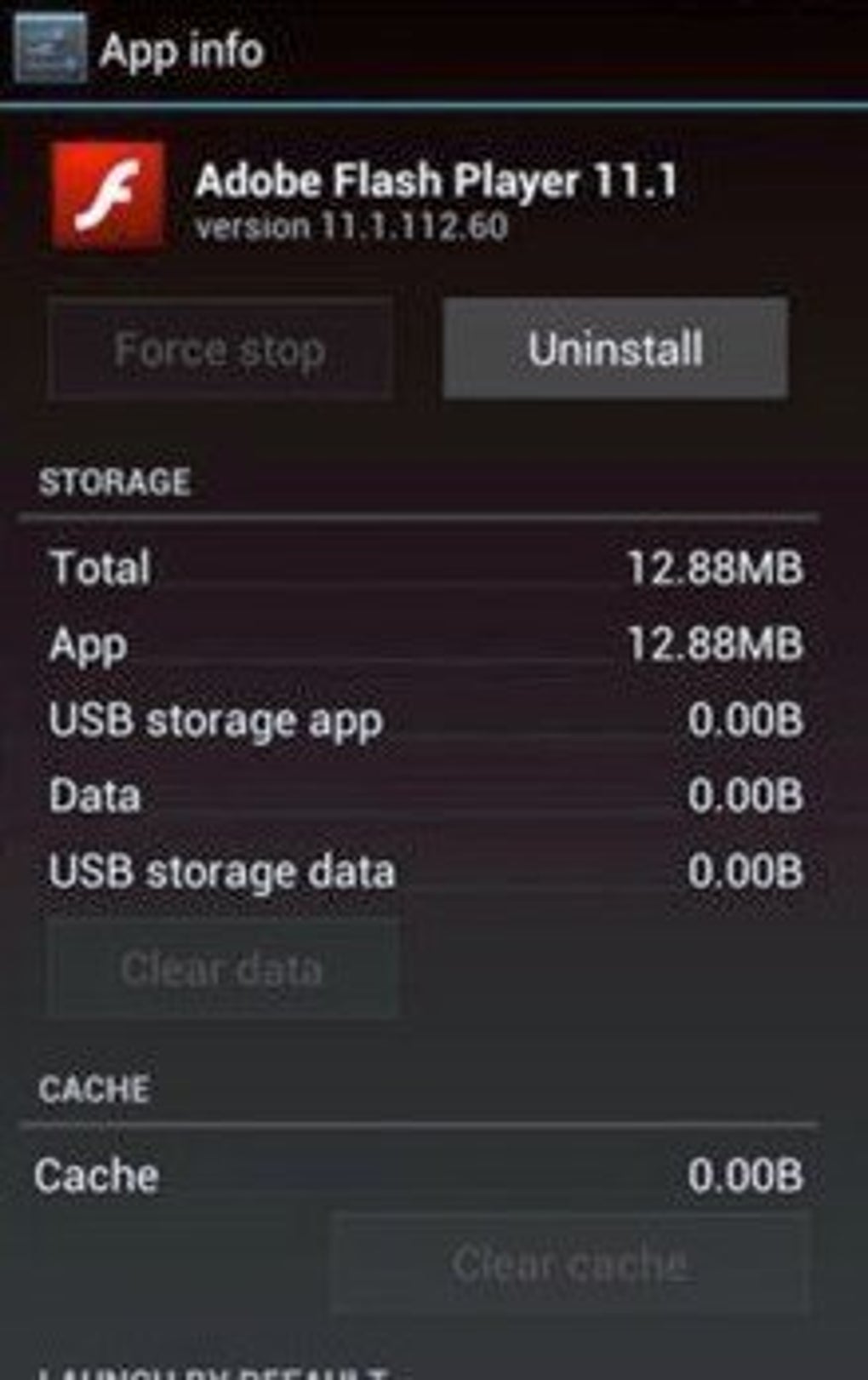
Adobe Flash Player is compatible with Android operating systems. The software version is 11.1.115.0, with a file size of 12.6 MB. It is available for free and is intended for use on mobile devices running Android.
Compatibility information was partially provided. The developer did not specify exact hardware requirements or minimum Android versions beyond the known limitation: the app will not work on devices with Android 4.0.1 or higher. Users are advised to check the official list of supported devices to confirm compatibility. The software is not available for iOS or other platforms.
Pros and Cons
Pros
- Enables access to Flash-based web content on Android devices
- Free to download and use
- Supports Flash video, games, and interactive applications
- Designed for mobile web browsing
- Officially developed by Adobe Systems Inc.
Cons
- Not compatible with Android 4.0.1 and higher
- Adobe has discontinued support for Flash on most platforms
- Security risks may be present due to lack of updates
- Not available for iOS or other operating systems
- Depends on outdated technology with limited long-term viability
FAQ Section
Is Adobe Flash Player compatible with my Android device?
Adobe Flash Player is only compatible with certain Android devices. It will not work on devices with Android 4.0.1 or higher. You can check the official list of supported devices to confirm compatibility.
Is Adobe Flash Player safe to use?
Due to the discontinuation of Flash support and the absence of security updates, using Adobe Flash Player may pose security risks. It is recommended to avoid installing it unless absolutely necessary for legacy content access.
Does Adobe Flash Player receive updates?
Adobe has ceased development and updates for Flash Player. The software is no longer maintained, and no new versions are released.
Can I use Adobe Flash Player on iOS devices?
No, Adobe Flash Player is not available for iOS devices. Apple has never supported Flash on its platforms.
Is Adobe Flash Player free to download?
Yes, Adobe Flash Player is available for free download. However, it is only functional on supported Android devices.
Final Thoughts + CTA
Adobe Flash Player remains a niche tool for users who still need access to legacy Flash-based content on supported Android devices. While it once defined the web’s interactive experience, its relevance has significantly diminished due to industry-wide deprecation. For those with older Android devices and a need to view Flash content, it offers a functional solution. However, users should be aware of the security implications and limited compatibility.
For most users, relying on Flash is no longer advisable. The software serves as a historical artifact of web development, offering insight into how the internet once delivered rich media. If you require it for specific use cases, download Adobe Flash Player now.
Download Adobe Flash Player now






.png)
